




Why Partner With Us
Your Trusted Partner for Long-Term Growth.Choosing the right manufacturing partner is critical to your success.

10+ Years of Team Expertise
Our R&D and engineering team averages 10+ years in optical access technology, ensuring products that meet real-world deployment requirements.

Global Certifications & Compliance
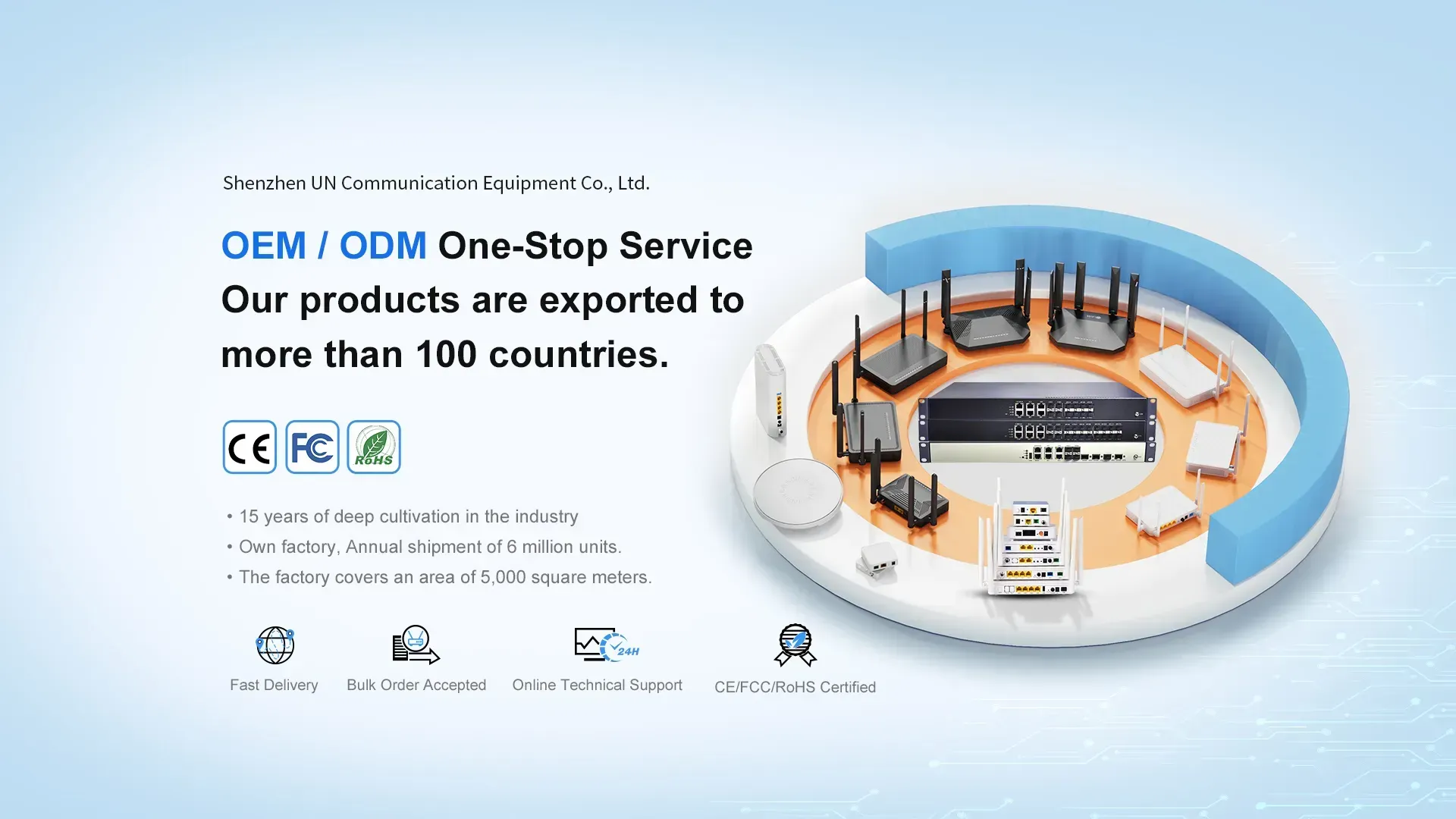
CE, FCC, RoHS, and ISO 9001 certified — ready for market entry in Europe, North America, and beyond with minimal compliance friction.

Rigorous Quality Control
Every unit passes 4-stage QC: incoming material inspection, in-process testing, aging test, and final functional verification before shipment.

Scalable Production Capacity
5000㎡ factory with monthly output of 200,000+ ONU units — from sample orders to mass production, we scale with your demand.

Trusted in 50+ Countries
Deployed by telecom operators and ISPs across 50+ countries, with proven interoperability with major OLT vendors including Huawei, ZTE, and FiberHome.

Flexible OEM/ODM & Fast Lead Time
Standard products ship within 7–15 days; customized OEM/ODM orders with your logo, firmware, and packaging delivered in 25–35 days.

About us
Founded in 2021 and headquartered in Shenzhen, UN Communication Equipment Co., Ltd. is a specialized manufacturer of optical access network equipment. Our core team brings over 10 years of industry experience in R&D, production, and global distribution of FTTH solutions.We focus on optical communication, LAN networking, and 5G access technologies, offering a complete product portfolio including GPON/XG-PON ONUs, OLTs, Wi-Fi routers, and OTDR test instruments. With a 50,000㎡ manufacturing facility and in-house R&D laboratory, we deliver both standard products and OEM/ODM customized solutions for telecom operators, ISPs, and system integrators worldwide.
R&D personnel
Research Laboratory
Industry Certification
Global shipments
Our Customers


What Our Partners Are Saying
See how our customer are leveraging us to grow and improve their business.


Latest News
How to Login UN-PON FTTH ONT / ONU
This manual will provide you simple steps to login to UN-PON Fiber ONT to change your WiFi Name and password to secure your home and office internet connections. You required to connect ONT device either using the wired or wireless connection to login into the settings page. Default Login Settings for UN-PONUN-PON ONT default Login IP address – 192.168.1 .1 Default username– admin or useradmin Default Password– (please check ONU Label) UN-PON Fiber ONU connections 1.Connect PC/Laptop LAN port to ONT LAN1 port using standard cat6 LAN cable. Or the phone connects to ONU’s wifi and enters the WiFi password(check
How to change your password
There are two ways to change your router password: the Wi-Fi password (for connecting to the internet) and the administrator password (for accessing the admin panel). Below are the general steps (works on both mobile phones and computers). I. PreparationDevice Connection to Router: Connect your phone to your home WiFi / Connect your computer to the router’s LAN port using an Ethernet cable.Find 3 pieces of information (see the sticker on the bottom of the router):Management Address: e.g., 192.168.1.1 / 192.168.0.1 /Default Administrator Account / Password (usually: admin/admin) II. General Steps (Browser Modification) Change WiFi Password (Common)Locate: Wireless Settings /
Detailed Explanation of the Core Differences Between Layer 2 and Layer 3 Ethernet Switches
Ethernet switches are core devices for building local area networks (LANs) and enabling interconnection between terminal devices. They can connect various terminals such as computers, servers, and cameras, ensuring data exchange between devices within the network. With the expansion of network scale and the upgrading of functional requirements, Layer 2 and Layer 3 switches have become the mainstream choice. The core difference between the two stems from their different operating layers in the OSI seven-layer network model: Layer 2 switches focus on the data link layer, while Layer 3 switches handle both the data link layer and the network layer.
Ready to Build a Smarter, More Reliable Network?
Take the next step towards transforming your network infrastructure. Whether you need a custom quote, want to discuss your specific technical requirements, or simply need more information, we’re here to help. Let’s build a future-proof connectivity solution together.